By Judy | 09 August 2018 | 15 Comments
How to set up zigbee switch
Here are products of this post talk about
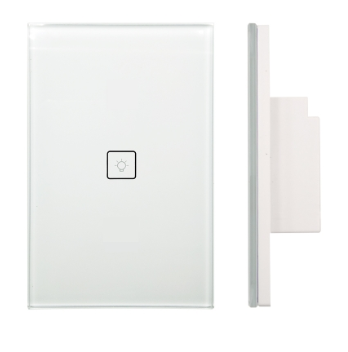
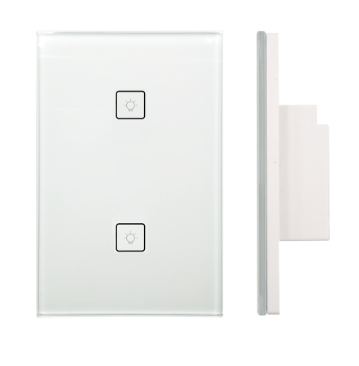
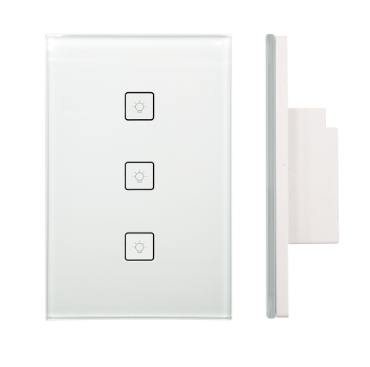
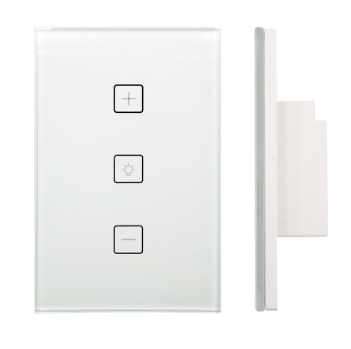
1. Pressing the reset button till a red indictor light flicking to make the switch into a discovering mode.
2. Press "Things" button in the SmartThings app and then press on the "+" button to allow it searching automatically.
3. Rename the "Thing" which have been found.
4. You can find you got a new things which is ties missing.
5. Login the smartThings website and take on devices.
6. Select the new devices which you just added and change devices type to zigbee switch and update it.
7. Now you just need refresh your smartThings app and control it via app now.
1. Pressing the reset button till a red indictor light flicking to make the switch into a discovering mode.
2. Press "Things" button in the SmartThings app and then press on the "+" button to allow it searching automatically.
3. Rename the "Thing" which have been found.
4. You can find you got a new things which is ties missing.
5. Login the smartThings website and take on devices.
6. Select the new devices which you just added and change devices type to zigbee switch and update it.
7. Now you just need refresh your smartThings app and control it via app now.
Recently Reviews
READ MORELeave a Reply
Your email address will not be published.Required fields are marked. *